How to cook from a recipe without touching your phone
General cooking guidance. Cook to safe internal temperatures for meat, poultry, fish and eggs — a timer is a prompt, not a doneness test. Full disclaimer.
Cooking from a phone is a genuinely bad experience and everybody has quietly accepted it. Your hands are wet, the screen sleeps at the worst moment, and every time you look back you have to find your place in a wall of numbered paragraphs.
The fix isn’t a better recipe. It’s a different way of presenting the same recipe while you cook: one step at a time, with its own amounts, its own timer, and a way to move forward without touching anything.
Read every step first, looking for three things: something that needs doing in advance, something that happens faster than you can react to, and equipment you don’t have out. Almost every kitchen disaster is a timing surprise, not a skill failure.
The standard format splits a dish in half: ingredients at the top, method underneath. That works on paper and fails while cooking, because at step four you need to know how much butter and the answer is four hundred pixels north. “Add 40 g butter” beats “Add the butter”, and the difference is scrolling with wet hands.
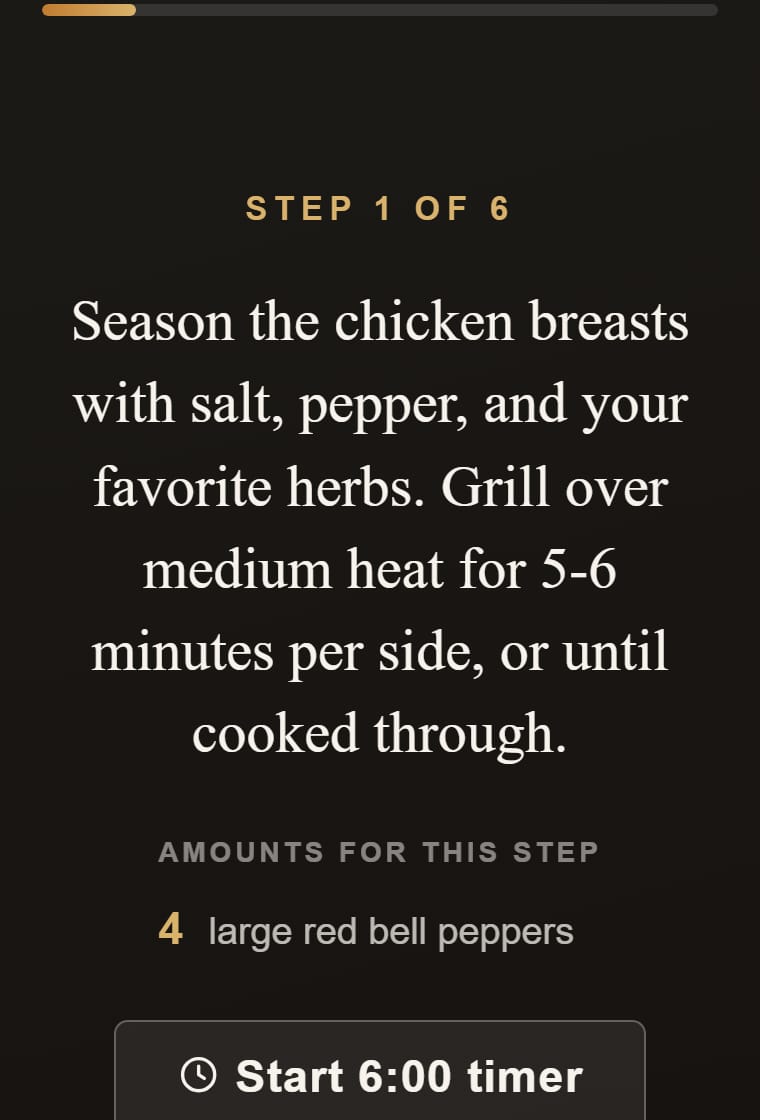
A single kitchen timer is worse than none once two things are cooking, because you start reusing it and lose track of what it was counting. The unit of timing is the step, not the dish: start a duration from within the step that names it, and a glance answers “how long is left on this specific thing”.
Here is the whole problem in one sentence: the moment you most need the next step is the moment your hands are least able to ask for it. Voice beats every other cooking feature, because it also keeps your eyes on the pan. Even without it: prop the phone at eye height before you start.
A weeknight is rarely one dish. It’s a main that needs twenty-five minutes and a side that needs eight, and the real skill is starting them in the right order — a property of the meal, not of either recipe. Work backwards from when you want to eat and start with whatever is longest and least attention-hungry.
Marking a dish as cooked takes a second and is the only way an app learns anything true about you. Plans are intentions; cooked meals are facts, and the difference is what makes next month’s suggestions better than this month’s.
Each step carries its own amounts inside the sentence. A step that says four minutes offers a four-minute timer on the spot. Steps are read aloud and take voice commands, so you can advance, repeat or check an amount without putting anything down. Sides travel with their meal. And the finish screen records what you cooked, which is what keeps your weeks varied.
Most phones let you extend or disable the sleep timeout in display settings. The more robust answer is a cooking view that reads steps aloud, so a dark screen stops mattering.
A view that shows one instruction at a time, with that step’s amounts inside it and a timer for any duration it names. The two-part format was designed for paper.
Yes, in Cook Mode: steps are read aloud and you can advance or repeat them by voice, so you aren’t touching a screen with wet hands.
Always. A hands-free view solves finding your place; it doesn’t solve discovering at step six that something needed marinating since morning.